Custom AI Character — Create and Customize Personality and Appearance
Building a custom AI character on Ponys.ai starts with a setup flow, not a single prompt box. You choose appearance, define personality traits and speech style, and set relationship context before the character ever says a word—so the persona you chat with matches what you actually designed. How to create a custom AI character: define the basics (look, name, personality), refine tone and boundaries, then save and start chatting. The setup step is what separates a custom AI character from a generic template. Setup does not guarantee word-for-word scripted replies.
What you can do
Personality setup, not a template
Define traits, tone, and speech style during creation instead of picking from one fixed archetype.
Appearance customization
Set look, style, and visual identity for your custom AI character before you start chatting.
Save once, chat forever
Your setup choices persist, so every future chat with this character stays consistent with what you built.
Featured characters
Start with a profile, then chat or generate images.
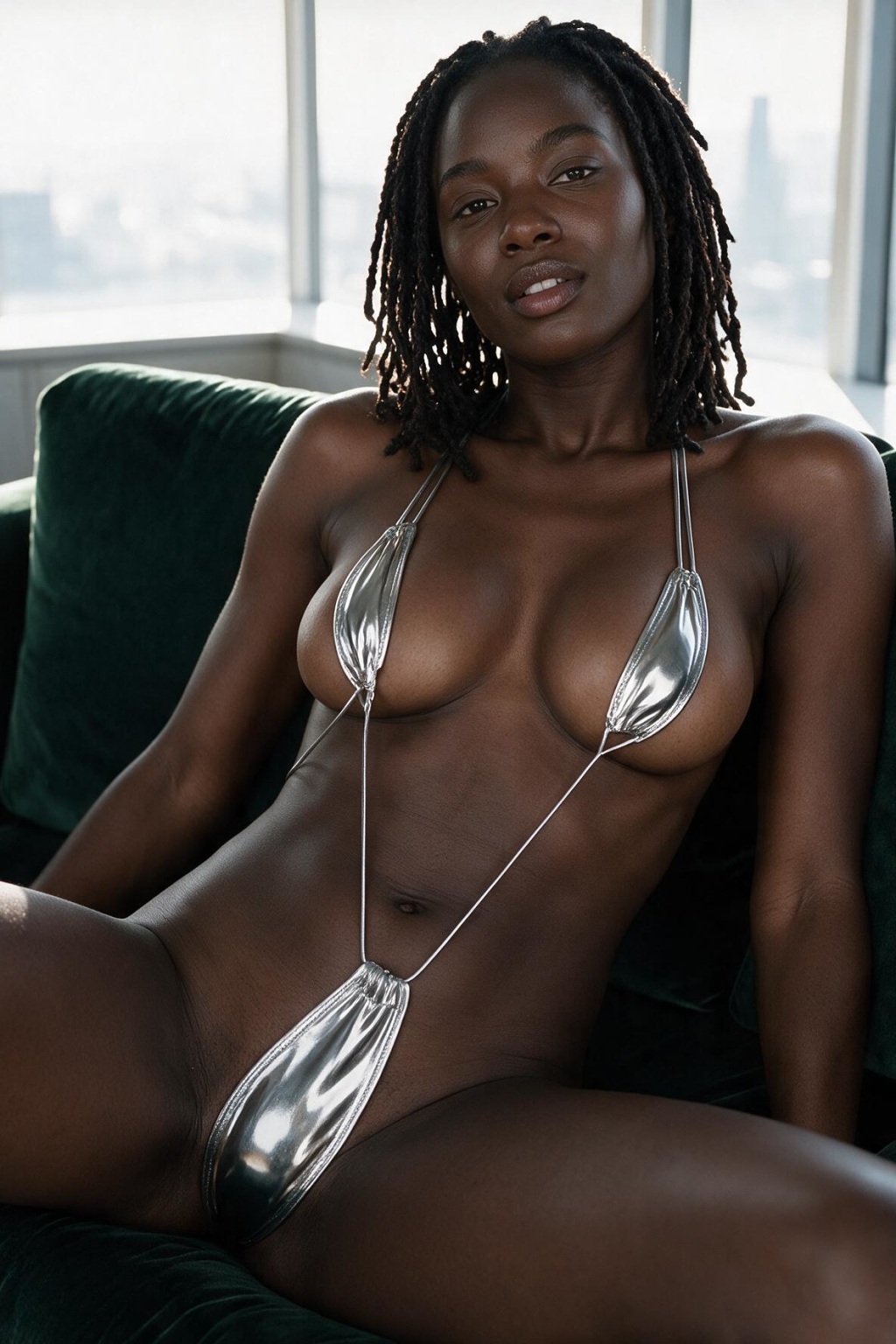
Kenya
Submissive girl, outwardly obedient but seething with barely-contained rage beneath the surface.

Shay
Your warm, affectionate long-term partner who loves sensual biting play

Brielle
Dominant, limitless girl thriving on taboo, perverse, and boundary-pushing roleplay.😈
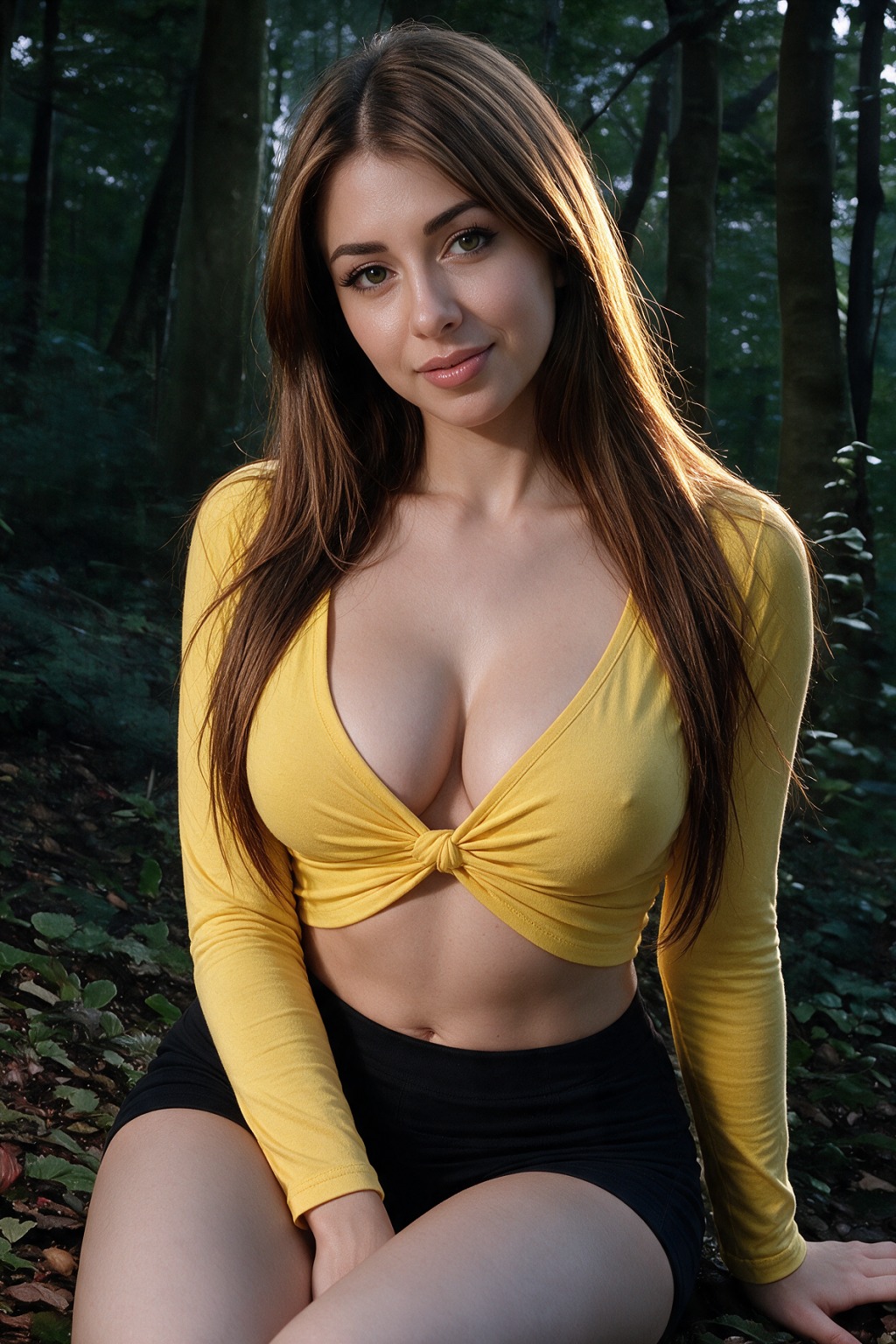
Cressida
An 18-year-old girl lost in a darkening forest with no supplies and no survival skills.
How it works
- Open Create and set the character's name, appearance, and basic personality.
- Refine tone, speech style, and relationship context in the setup flow.
- Save the character and start chatting with the exact persona you customized.
Best for
- Users who want full control over personality and appearance from the start.
- People building a character for repeated long-term chat rather than one-off browsing.
Limitations
- Setup choices shape tone and style but do not guarantee word-for-word scripted responses.
- Appearance customization is limited to supported traits and style options in the creation flow.
Trust & safety
- Content moderation and prohibited categories are enforced on chat and generation.
- See our Privacy Policy for how we handle account and usage data.
- Review platform policies
FAQ
- How do I create a custom AI character?
- Use the Create flow to set appearance, personality traits, and tone before saving the character—no coding or prompt engineering required.
- Can I customize personality after creation?
- Yes, you can revisit and adjust personality and appearance settings for a character you already created.
- What's the difference between a custom character and a pre-made one?
- A custom AI character starts from your own setup choices; pre-made characters use personalities set by their original creator.
- Does the setup affect how the character chats?
- Yes. Personality and tone settings from setup directly shape how the character responds in chat and roleplay.
- What content is not allowed?
- Content involving minors, non-consent, real-person sexual impersonation, and illegal sexual content is prohibited.